Treat-Dispensing Cameras
See your dog from work, say hi, fling a treat — charming gadget or genuinely useful tool? Both, for the right dog and the right jobs. Here's the honest review.
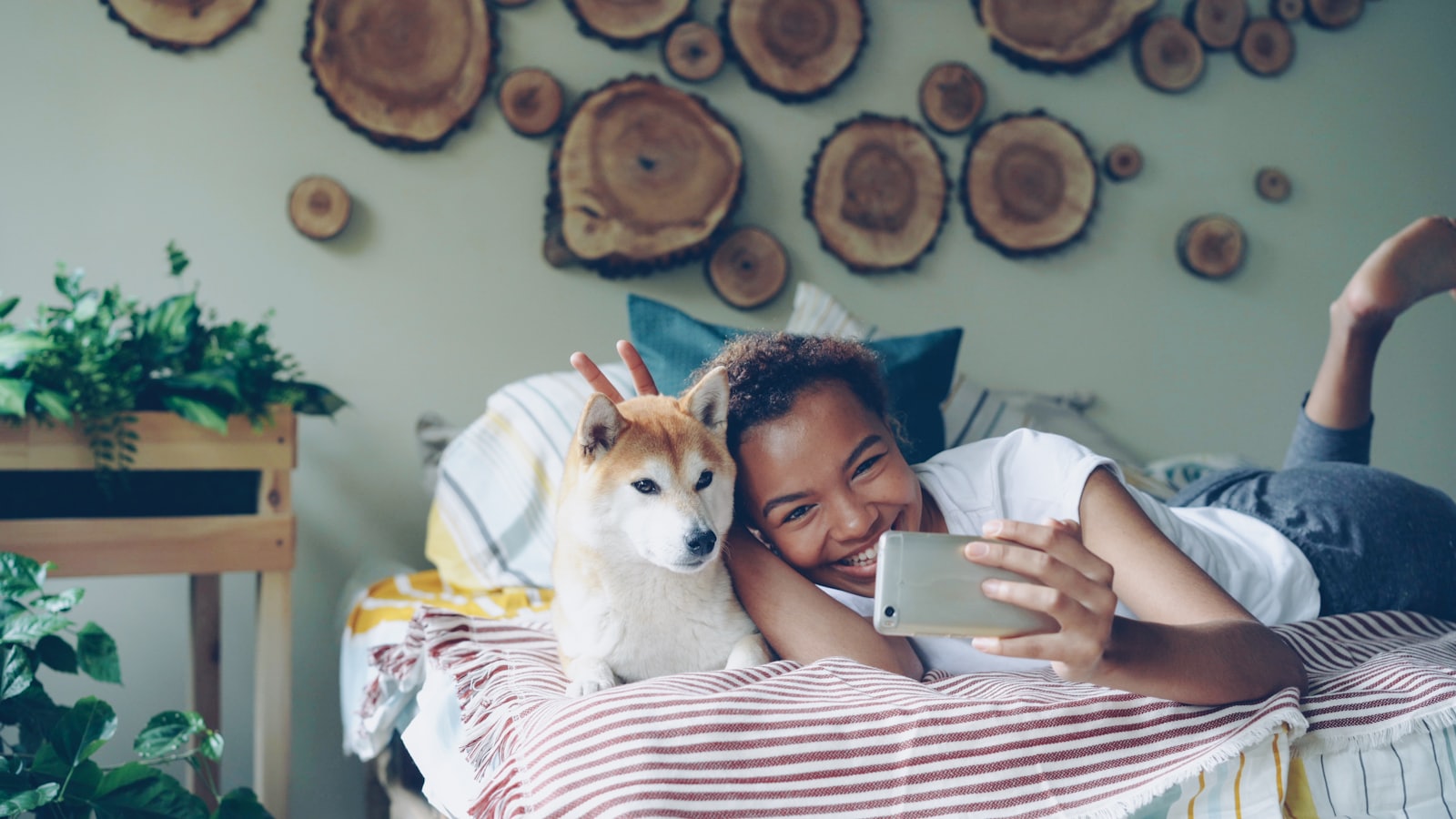
The pitch writes itself: you're at work, the app opens, there's your dog on the couch, and one tap launches a treat across the living room while your voice says 'good boy' from a speaker. Treat cams are the most charming corner of the pet-tech aisle — and the most misunderstood. As a window, they're genuinely valuable; as a relationship substitute, they're a speaker that occasionally fires kibble — and for one specific kind of dog, they can quietly make things worse.
A treat cam is a window, not a companion. Use it to see your dog's day — not to outsource being in it.
📋 Quick Read
- The killer feature is the camera, not the cannon: seeing what actually happens when you leave — calm napping vs. pacing and howling — is diagnostic gold, especially for the alone-time questions.
- The treat-flinging is situational: fun check-ins and remote training reps for confident dogs; for dogs with real separation distress, the disembodied voice can spike confusion and arousal rather than comfort.
- Buy on camera quality and reliability, not gimmicks: wide view, night vision, sound alerts, clip history — the features that answer 'how is my dog, really?' beat the ones that perform for Instagram.
Use the window first: the departure audit
Before any treat-flinging, run the diagnostic the camera was born for: record your normal departure and the first thirty minutes, three days running. What you see sorts everything: a dog who sighs, circles, and naps has no alone-time problem (enjoy the window guilt-free); a dog who paces, whines at the door, or shreds within minutes is telling you where the real work is (the independence and enrichment lessons — and for genuine panic, the vet-and-behaviorist route). Watch the middle hours too: when does the nap break? Does the mid-day howl the neighbor mentioned actually happen, and at what trigger? This single audit answers questions owners otherwise argue about for months — and it's the evidence that makes any needed help (walker at 1 p.m.? more morning enrichment?) precise instead of guessed.
The cannon, used well (and when to holster it)
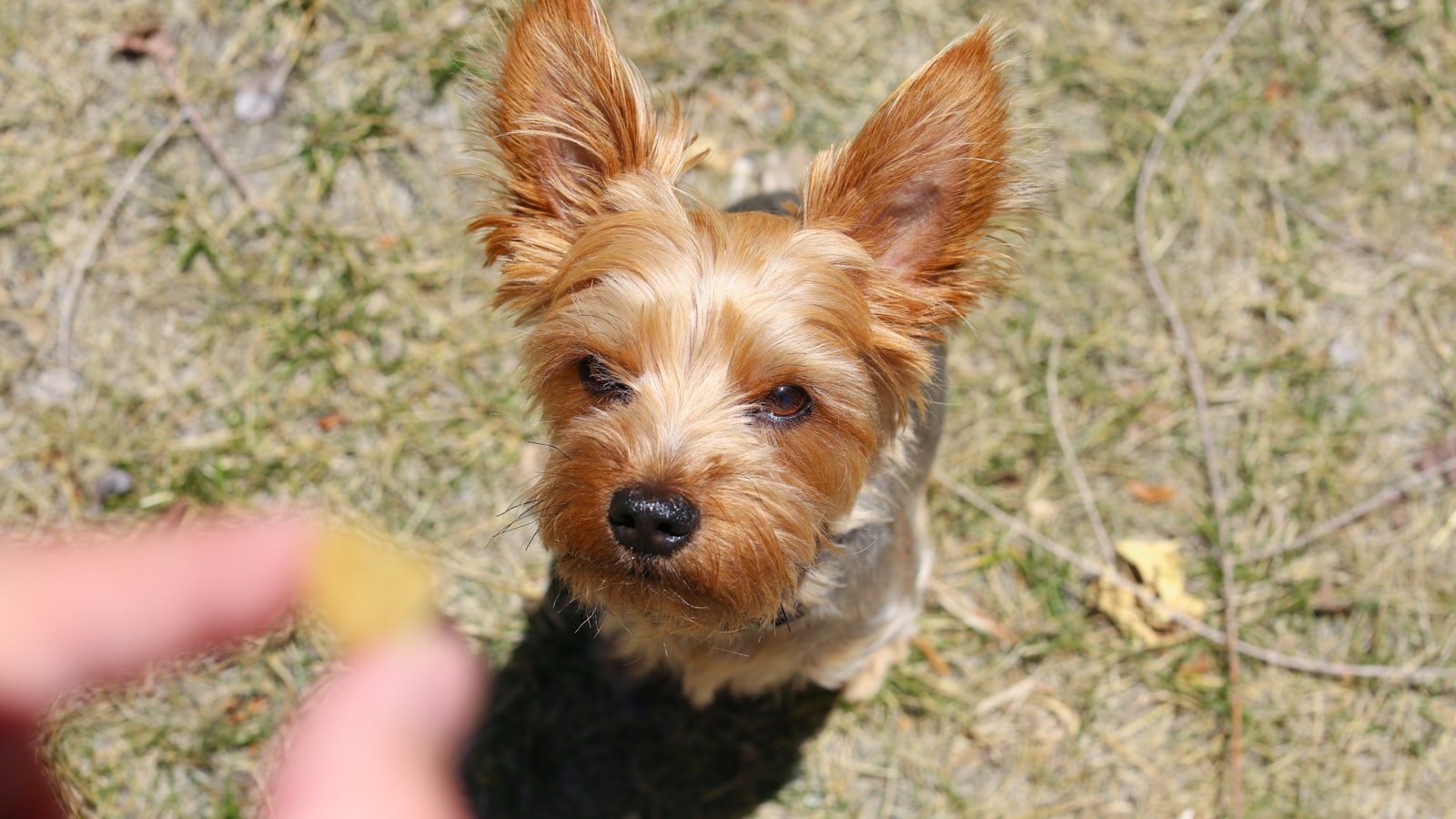
For the confident home-aloner, the treat feature has honest uses: random calm-payments (a treat that arrives while the dog lounges quietly is a settle-training rep from forty blocks away), the occasional midday check-in game, and remote reps of simple cues for dogs who enjoy the voice ('sit' → fling → delight). Rules that keep it clean: pay calm, never noise (disable any bark-triggered treat mode — it's a barking curriculum with a subscription); keep sessions short and occasional (a monitor that erupts with snacks hourly builds a dog who patrols the gadget); and count the calories in the daily budget, because the cannon's payload is real food. For multi-dog homes: watch the footage before flinging — airborne treats between dogs with any guarding history is a fight you scheduled remotely.
Buying and setup, the boring checklist
Prioritize like a researcher: wide-angle lens that covers the dog's actual hangout (not the empty hallway), reliable night vision (evening departures happen), sound/motion alerts with clip history (the audit runs on it), two-way audio you can mute, and app reliability — a camera that drops connection during the one afternoon you needed it is decoration. The treat mechanism is the tiebreaker, not the headline: check hopper size, kibble compatibility (many jam on odd shapes), and the throw behavior (some launch hard enough to startle soft dogs — test at close range while home first). Mount at dog level for useful footage, introduce the device while you're present (novel clicking box that flings food = a startle waiting to happen), and fold its treats into the 10% budget from the treats lesson. Total setup: an evening. Value of the first departure audit: most of the purchase price.
- I genuinely don't know what my dog does alone
- My dog is calm(ish) alone — no true panic signs
- I'd use the footage to adjust enrichment or routines
- I can resist bark-triggered treat modes
- Multi-dog dynamics checked before airborne food
- The treats will come out of the daily budget
🗓 This Week's Plan
- Days 1–2: If you own one (or buy one), set it up at dog level while home; introduce the sounds gently.
- Days 3–5: Run the Three-Day Departure Audit; write the one-sentence findings.
- Days 6–7: Act on the footage — enrichment tweaks, a midday solution, or the alone-time playbook — and set the cannon rules (calm pays, noise never).
Run the departure audit with Pak Social
Three recordings, three sentences, one honest answer to 'what does my dog do all day?' The treat cannon is fun — the window is the tool.
Get Pak Social — Free ➡️ Up nextSmart-Home Setups for Dog Owners5 min read›